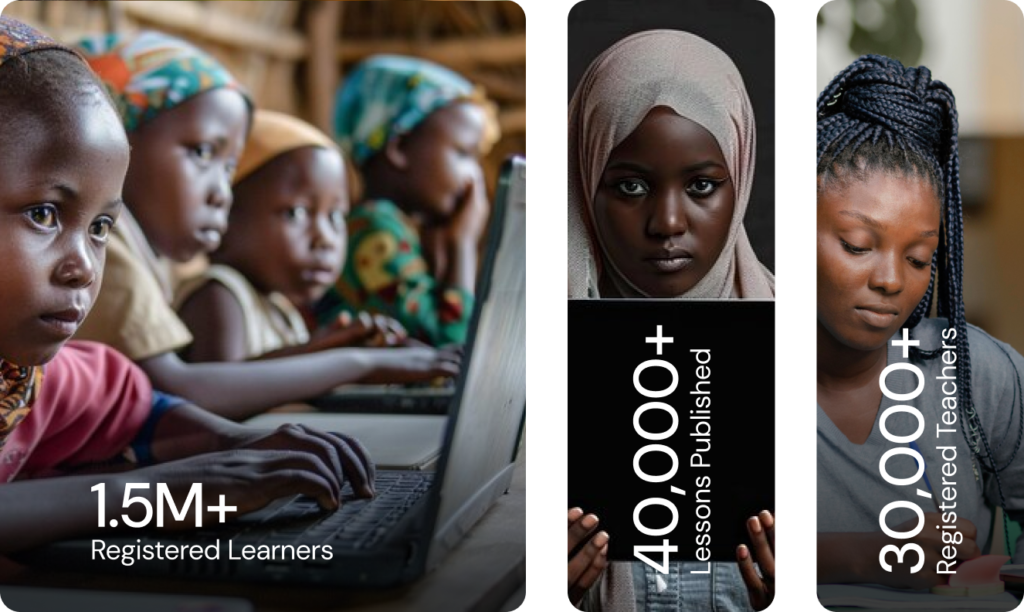
Here you will find links to a variety of professional and curriculum aligned resources utilising digital content, multimedia such as text, videos, animation and interactive content. The Federal Ministry of Education will continue to add resources to facilitate learning in different contexts.
What exactly does this centralised eLearning platform do?
The Federal Ministry of Education designed the platform to have a positive impact on teaching and learning by creating a space through which learners and teachers can access high-quality curriculum-aligned resources. eLearn enables accessible, relevant, and high-quality learning opportunities that improve learner engagement and achievement. The ‘search and discover’ model connects relevant information and resources to support teachers and schools in enhancing their eLearning practice.
Who contributes the content to the platform?
Currently, resources from the Federal Ministry of Education (and parastatals), States, and development partners are included. You may find them at Contributors.
What accessibility features are available on this platform?
eLearn is designed to be accessible to all users, including those with disabilities. To enhance inclusivity, there is a dedicated accessibility menu located on the left-hand side of the platform, with various options tailored to users with diverse needs.
The platform is compatible with screen readers, allowing visually impaired users to navigate and use the key features independently. Users can navigate and interact with the platform using only their keyboards, eliminating the need for a mouse.
The FME is committed to expanding language options within eLearn, aligning with the National Language Policy and National Reading Framework to ensure accessibility for users from various linguistic backgrounds. We actively seek and incorporate user feedback to continuously enhance the platform’s accessibility and overall
How do I submit a new resource for inclusion in the platform?
You can send us the details of your resource by visiting Suggest a Resource page
Where can I find teaching and learning materials?
Teaching and learning materials are readily available on the platform. Upon logging in, users can access credible high-quality e-learning providers offering diverse resources including lesson plans, courses, practice questions, engaging videos, presentations, quizzes, assignments, and more.
How can I get support?
We offer comprehensive support to all our users. If you encounter any issues or have questions about using our platform, you can reach out to our support team.
Share Page via
Report Content on eLearn
The Federal Ministry of Education takes extensive precautions to ensure that resources are quality assured and age-appropriate. However, if you access content that does not meet our benchmark and standards, please help by reporting it here.